RubricFlow RuleBook
From Rubric → First Draft Deck in ~10 minutes
What it is
Builds the first correct structure from your rubric & notes.
What it’s not
Not a “magic design show”. You still own content quality.
What you get
A clean first draft deck + slide-by-slide editor + PDF export.
The 10-minute loop
You don’t need to read everything. Follow the 3 steps, then use the Field Guide when you get stuck.
Paste rubric & notes
Rubric = criteria. Notes = your distilled points (citations optional).
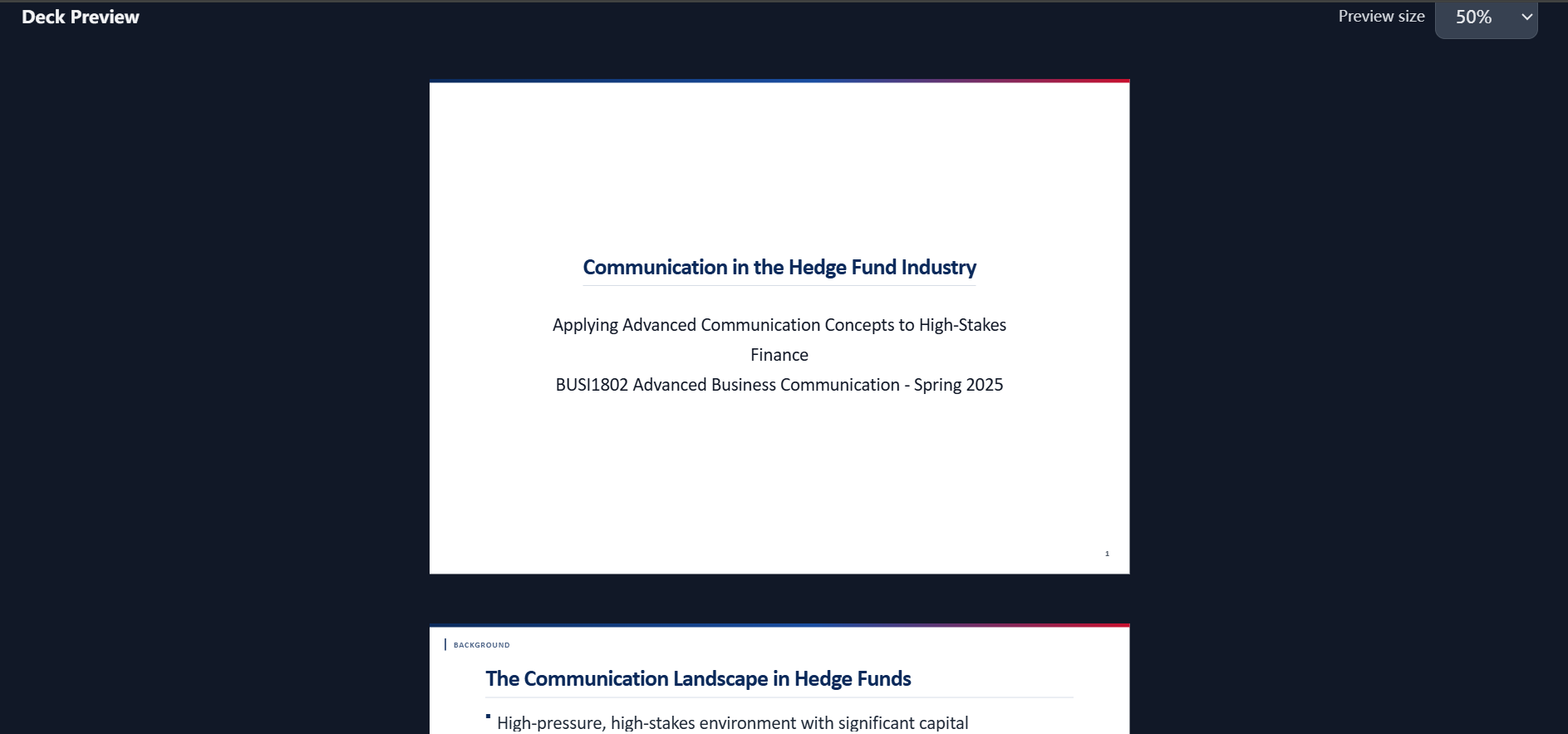
Generate Deck Now
AI generates a complete first-pass deck and renders a preview below.
Edit slide-by-slide
Refine titles + bullets, add visuals, then export a clean PDF.
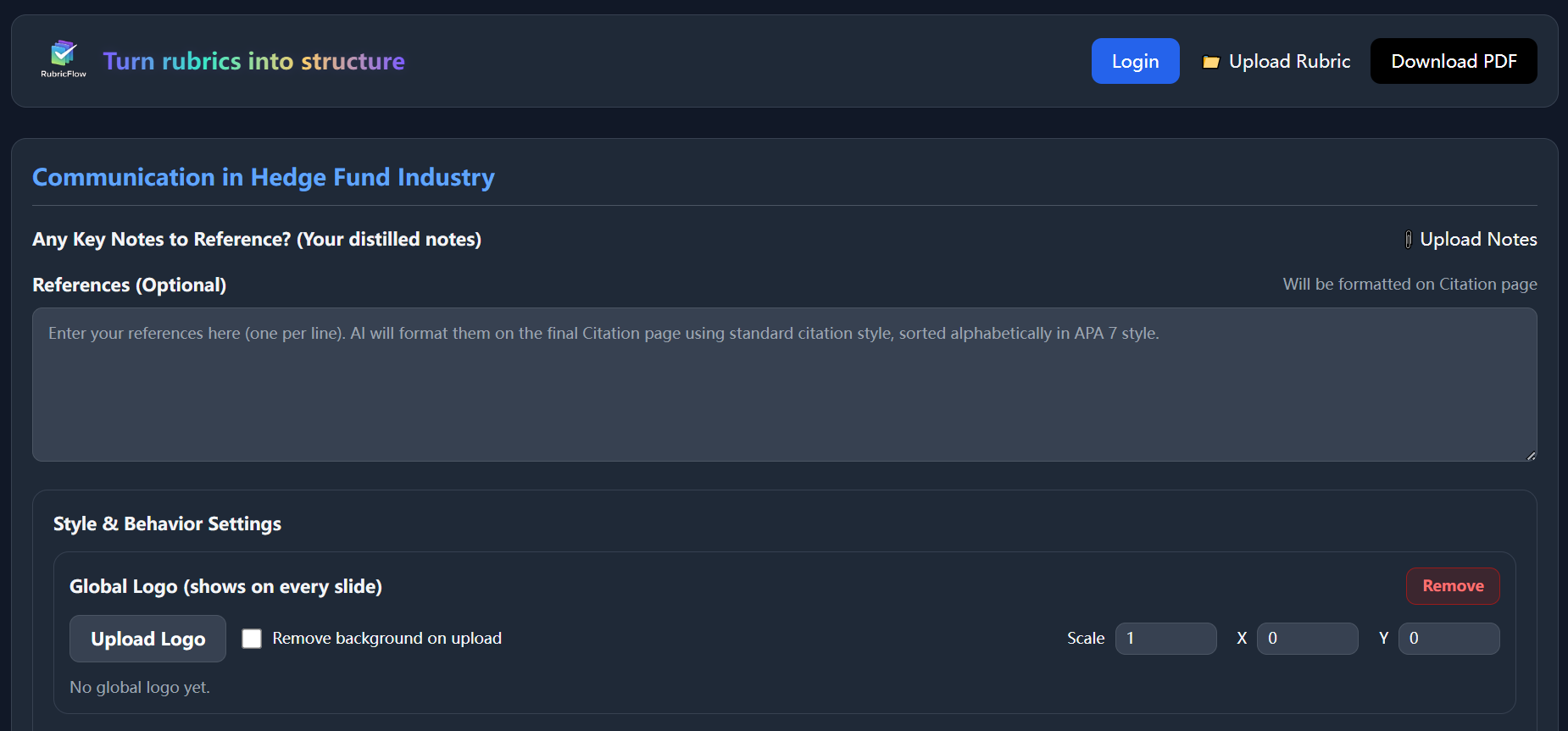
Paste rubric & notes
Rubric = grading criteria / evaluation points. Notes = your distilled points / citations (optional).
Inputs
- Rubric: what gets points
- Notes: one idea per line (no paragraphs)
- References (optional): one reference per line, any format
- Bullet points only (one idea per line)
- Use evaluative claims, not story paragraphs
- Add key terms/theories you must include
Generate Deck Now
Click Generate Deck Now. AI reads all fields together and generates a complete first-pass deck (not just an outline).
What happens
- AI generates a full draft deck
- A preview is rendered immediately
- You can start editing right away
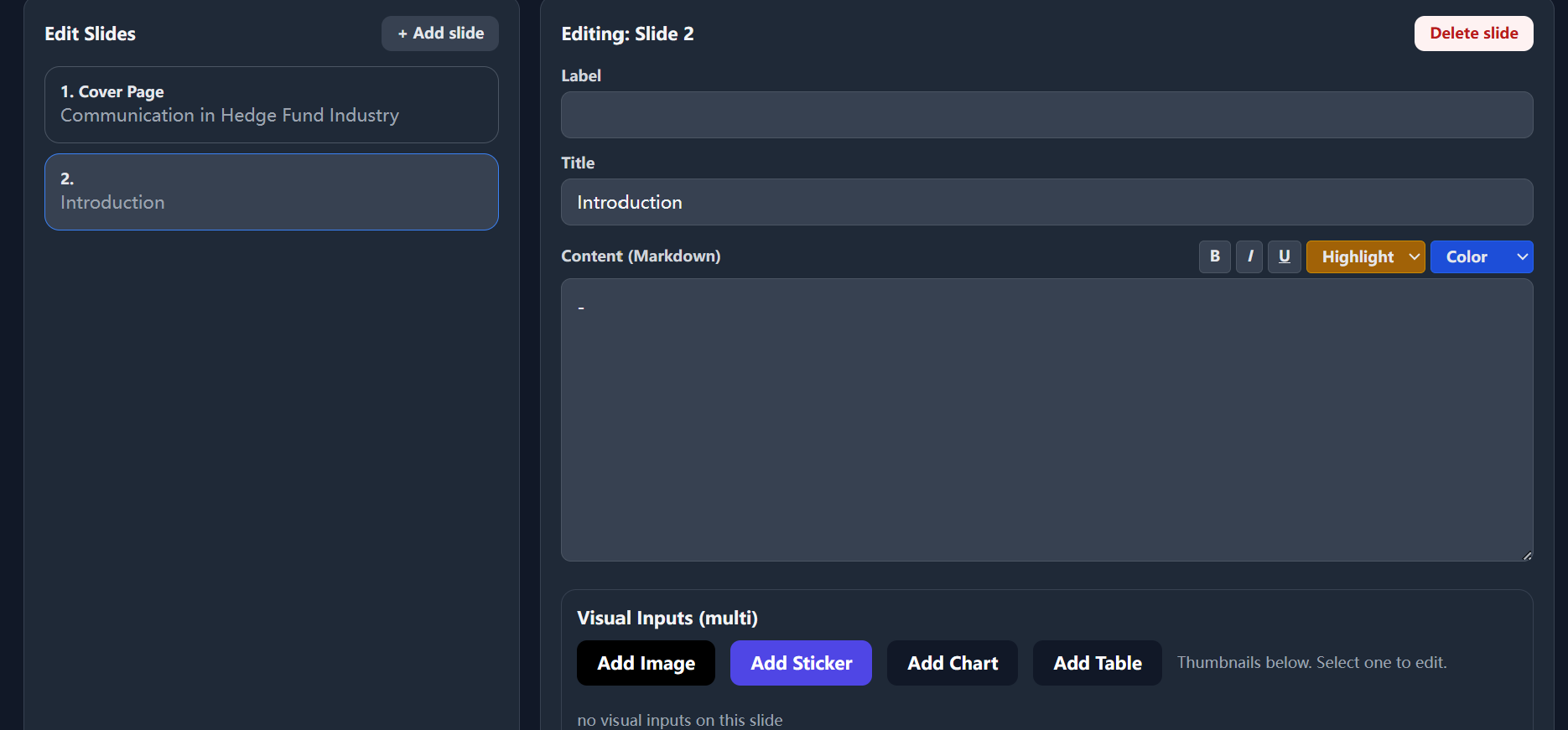
Edit slide-by-slide
Select a slide on the left. Edit title + Markdown content. Add visuals (image/chart/table). Export PDF when the structure is stable.
Editing actions
- Select a slide from the list
- Rewrite bullets for clarity and parallel rhythm
- Add visuals only when they support a bullet
- Delete slides that add no evaluative value
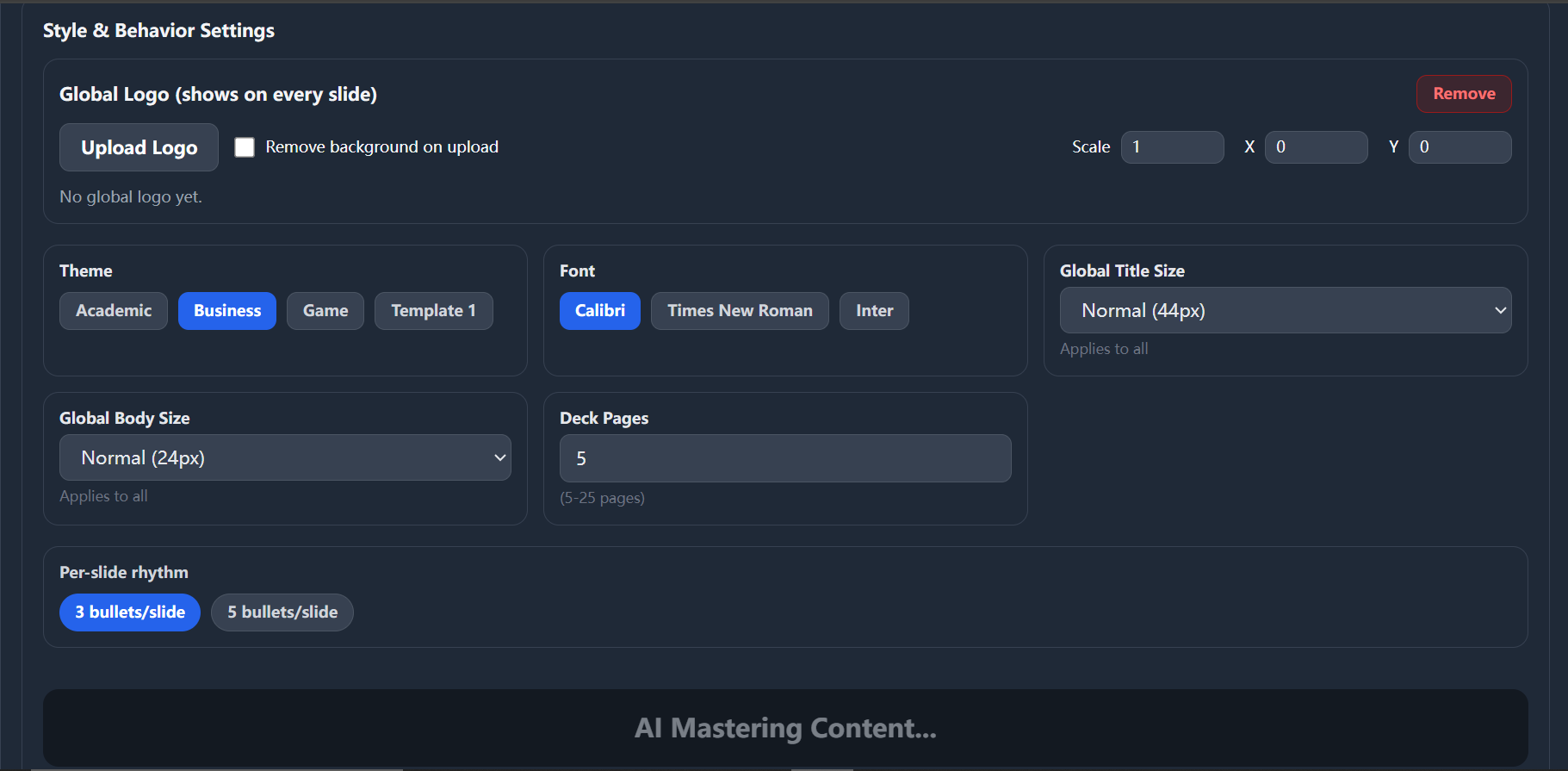
Field Guide (inputs & defaults)
Use this as a quick reference instead of scanning paragraphs.
Fields
| Topic | One sentence. Be specific (descriptive, not catchy). |
|---|---|
| Key Notes | Bullet points only. One idea per line. No paragraphs. |
| References (Optional) | One reference per line (any format). Auto-formatted into APA 7. |
| Style Settings | Theme / Font / Title size / Body size (global constraints; choose once). |
| Deck Pages | 5–25. If it’s your first time: start with 5. |
| Rhythm | 3 bullets = cleaner. 5 bullets = denser. Don’t mix in one deck. |
Treat Style Settings as global constraints: set them once to keep the entire deck consistent.
Most first-time slides fail in two ways
These two failures are the fastest way to lose readability and rubric alignment.
Sticker chaos
Keep alignment fixed and limit visuals per slide. Every visual should justify a bullet.
Wall of text
Use bullet rhythm + slide roles. Don’t paste paragraphs and hope formatting saves it.
Final check & export
Export is the last step. Don’t export while the structure is still drifting.
Before exporting
- Titles are declarative
- Bullets are parallel
- No empty slides
- Visuals align with text
Quick answers
Short answers to reduce back-and-forth.
Do I need a rubric?
RubricFlow works best with explicit criteria. If you don’t have one, write a quick list of evaluation points first.
Can I edit after generation?
Yes. The first draft is meant to be refined slide-by-slide.
Does it support images/charts?
Yes. Add visuals (image/chart/table) to support bullets—avoid decoration.
How does References work?
Paste one reference per line in any format. RubricFlow generates an APA 7 citation page on export.
What’s the best deck length for class presentations?
Start with 5–8 slides for a first pass. Add slides only when they increase rubric coverage.
Export formats?
PDF export is supported.