
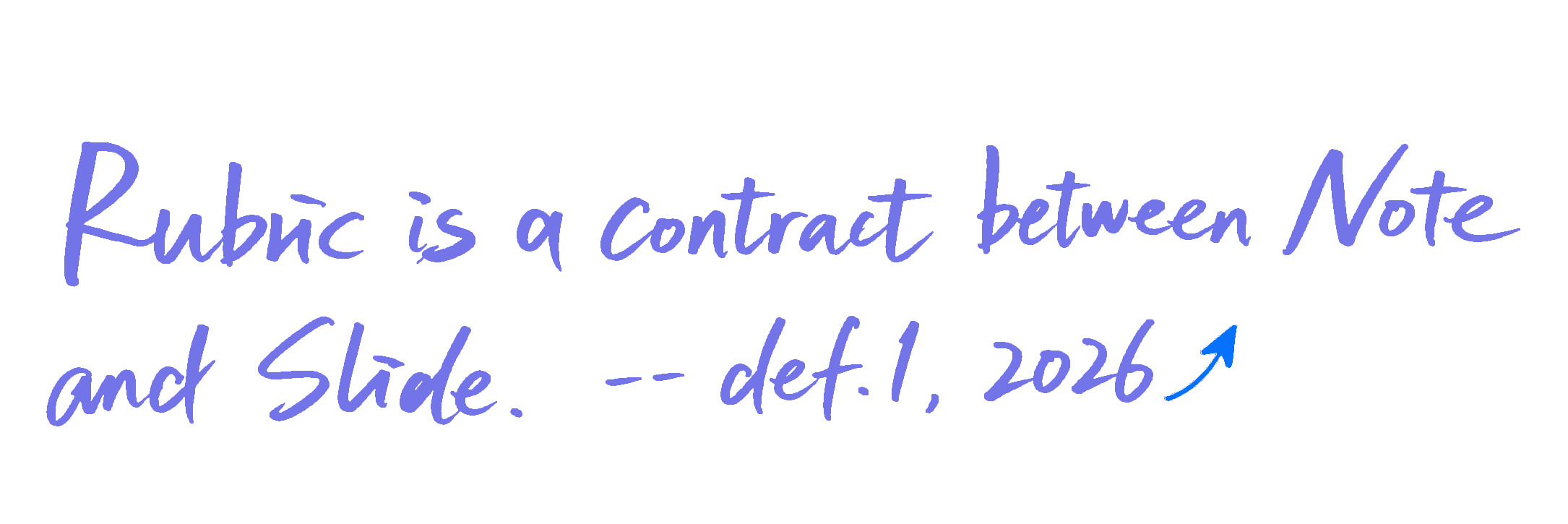
Rubric → Deck — ~10 minutes to an 80% structure.

Rubric in. Slides out.

Paste your rubric and distilled notes. RubricFlow generates a first-pass deck you can refine slide-by-slide—then export a clean PDF.

RubricFlow: Generate Deck Now and deck preview
Generate a complete first draft, then edit slide-by-slide.

From rubric to deck in ~10 minutes.

A simple loop: generate the first complete draft, refine each slide, export when the structure is stable.

1 Paste rubric & notes

Drop in the rubric and your distilled notes—no formatting tricks.

2 Generate Deck Now

AI makes a complete first draft with roles, rhythm, and ordering.

3 Edit slide-by-slide → Export PDF

Refine text + visuals, keep alignment fixed, then export a clean PDF.

RubricFlow structure form
Structure form — paste rubric and notes.
RubricFlow slide editor
Editor — refine slides one by one (text + visuals).

It’s not a magic show. It’s a structure tool.

Most first-time slides fail in two ways.

RubricFlow targets structure failures—before you waste time polishing.

Sticker chaos

RubricFlow keeps alignment fixed, so slides don’t drift into a collage.

Wall of text

Bullet rhythm + slide roles keep each slide readable and evaluative.

Features that keep structure stable.

No more than what you need to get to a clean, editable first pass.

Rubric-to-structure mapping

Points map to slides so coverage is visible and complete.

Fixed alignment & rhythm (3/5 bullets)

Consistent spacing and density across the whole deck.

Theme + typography presets

Readable defaults you can apply across all slides.

Slide editor with visuals

Edit slide content with image/chart/table inputs.

References → auto citation page (APA 7)

Collect sources and generate a final citation slide.

Clean PDF export

Export a deck you can submit, print, and share.

RuleBook

Learn the workflow and editing logic. RubricFlow is about structure—not slide decoration.

Read the RuleBook

How it works

Jump to the parts you’ll use most.